How to Give Claude Code Google Search with Serp MCP
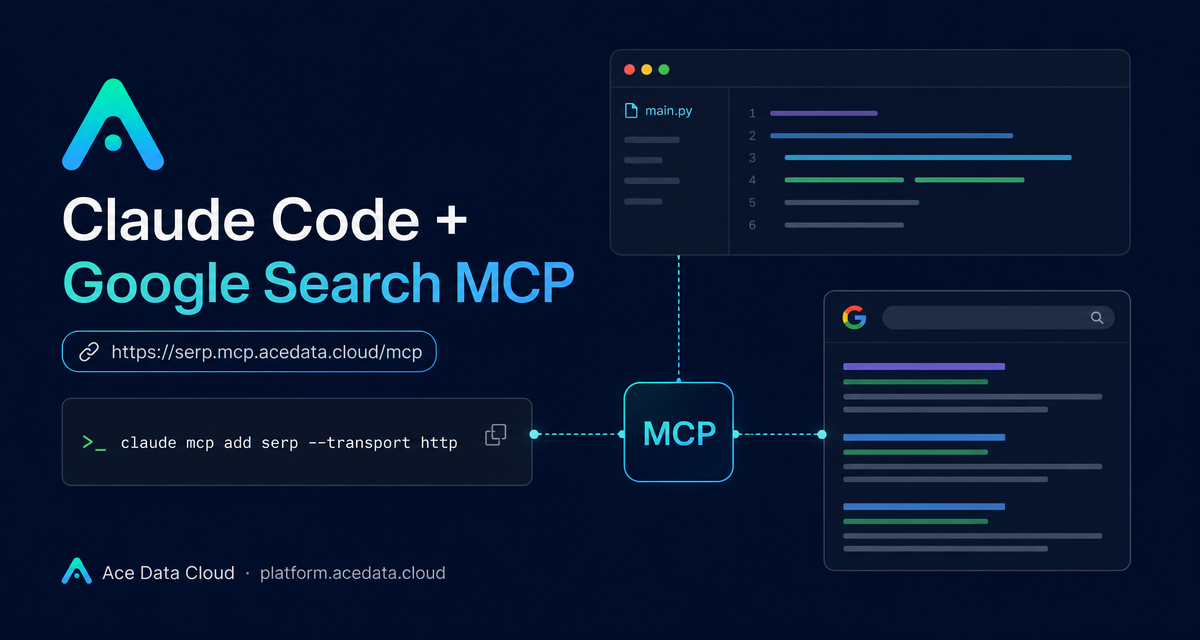
When you are debugging from a terminal, the slowest step is often not writing code. It is leaving the shell to look up one unfamiliar error, compare a few results, and then return with enough context to keep moving.
This guide shows how to connect Claude Code to Google Search through the Serp MCP Server, so search becomes part of the same command-line workflow where Claude reads logs, edits files, and reasons about your project.
What you can do
Once the MCP server is connected, Claude Code can call Google Search-related tools from a normal session. The documented tool group includes:
serp_google_searchfor Google web search, with country, language, and time-range support.serp_google_imagesfor Google image search.serp_google_newsfor Google news search.serp_google_videosfor Google video search.serp_google_mapsandserp_google_placesfor map and local business search.
How it works
The integration uses this HTTP MCP endpoint:
https://serp.mcp.acedata.cloud/mcpYou add it to Claude Code with claude mcp add, use --transport http, and provide the Ace Data Cloud token through the uppercase -H flag. The uppercase detail matters: lowercase -h is interpreted as help.
The documentation shows masked token examples such as 3b78cc40dd3b43db806a4300..... Keep real tokens out of public repositories, issues, screenshots, and chat logs.
Configure it for the current project
For a first test, use the local scope. It binds the configuration to the project directory where you run the command, and Claude Code stores the record together with the current project path.
claude mcp add serp --transport http https://serp.mcp.acedata.cloud/mcp \
  -H "Authorization: Bearer 3b78cc40dd3b43db806a4300...." \
  -s local
This is a good default while you are validating the workflow in one repository.
Use it across projects
If search belongs in your everyday Claude Code setup, use the user scope. The server can then be seen from any project when Claude Code is opened afterward.
claude mcp add serp --transport http https://serp.mcp.acedata.cloud/mcp \
  -H "Authorization: Bearer 3b78cc40dd3b43db806a4300...." \
  -s user
This is useful when you often check official docs, compare current library behavior, or investigate production errors across several repositories.
Share the configuration with a project
For team projects, use project. This writes the MCP configuration into .mcp.json in the current project root. It can be committed to a private repository so teammates reuse the same server definition.
claude mcp add serp --transport http https://serp.mcp.acedata.cloud/mcp \
  -H "Authorization: Bearer 3b78cc40dd3b43db806a4300...." \
  -s project
Handle secrets carefully. Prefer placeholders in shared files, or have each teammate add their own local token. The docs also note that project-level configuration may show Pending approval the first time Claude Code reads it. Approving trusted project configuration inside Claude Code is expected.


Comments
Post a Comment