How to Generate Short Videos with the Seedance API: A Practical Builder’s Guide
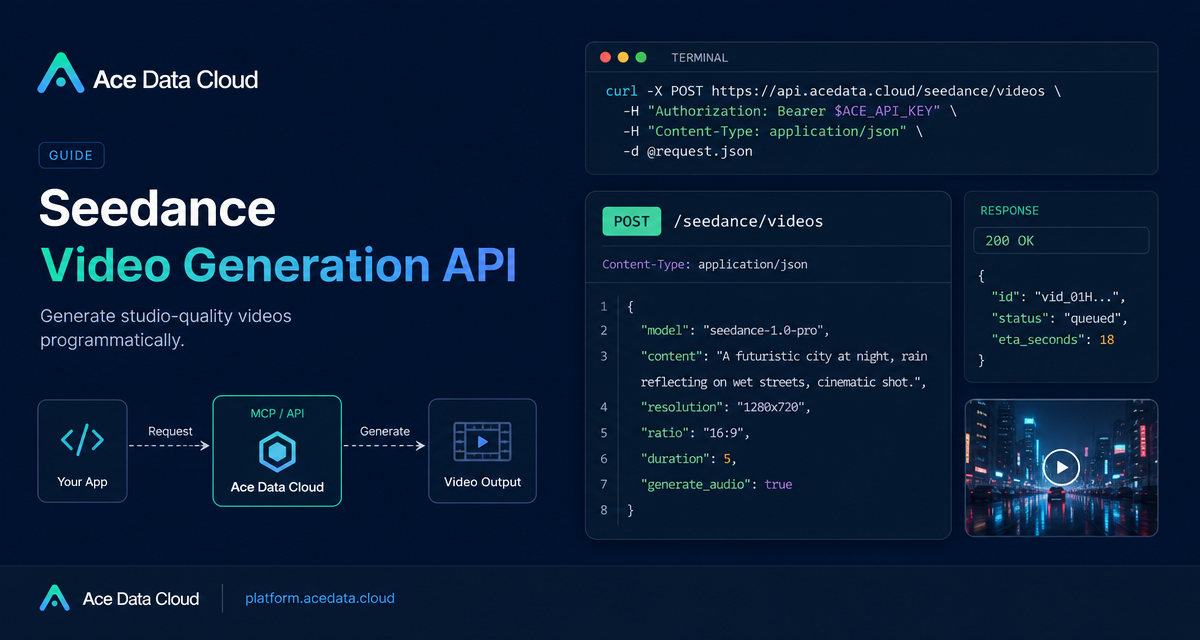
This practical guide shows how builders can call the Seedance video generation API with structured JSON instead of relying on prompt text alone.
What you can do
The API endpoint is POST https://api.acedata.cloud/seedance/videos. Requests use model and content. Content items can be text, image_url, audio_url, or video_url.
How it works
Send accept: application/json, content-type: application/json, and an authorization bearer token. Useful body fields include resolution, ratio, duration, seed, camerafixed, watermark, and generate_audio.
curl -X POST 'https://api.acedata.cloud/seedance/videos' -H 'authorization: Bearer YOUR_TOKEN' -H 'accept: application/json' -H 'content-type: application/json' -d '{"content":[{"type":"text","text":"A white ceramic coffee mug on a glossy marble countertop with soft morning window light. The camera slowly orbits 360 degrees around the mug, steam gently rising."}],"model":"doubao-seedance-2-0-fast-260128","resolution":"720p","ratio":"16:9","duration":5}'Model controls
Documented resolutions include 480p, 720p, 1080p, and 4k. Ratios include 16:9, 4:3, 1:1, 3:4, 9:16, 21:9, and adaptive. Duration ranges depend on the series: 1.0 supports 2-12 seconds, 1.5 Pro supports 4-12, 2.0 supports 4-15, and 2.5 supports 4-30.
Image-to-video
For image-to-video, pass an item with type: image_url. The image_url value must be an object such as {"url": "https://..."}. A raw string URL returns a 400 error.
References
Seedance 2.0 supports reference_image, reference_audio, and reference_video. Reference images are limited to 9. Reference audio supports wav or mp3, up to 3 items, 2-15 seconds each, total duration not exceeding 15 seconds, and each item no more than 15 MB. Reference video supports mp4 or mov, up to 3 items, 2-15 seconds each, total duration not exceeding 15 seconds.
Wrap-up
Treat video generation as a structured workflow: validate the model, keep media references in the documented object format, store task metadata, and enable advanced reference modes only when the chosen model supports them. Read the Seedance Videos API integration guide.


Comments
Post a Comment