How to Build an Image Editing Workflow with the Nano Banana Images API
If you have ever tried to add AI image generation to a product, the first hard part is not the prompt—it is building a reliable workflow around inputs, outputs, retries, and traceability.
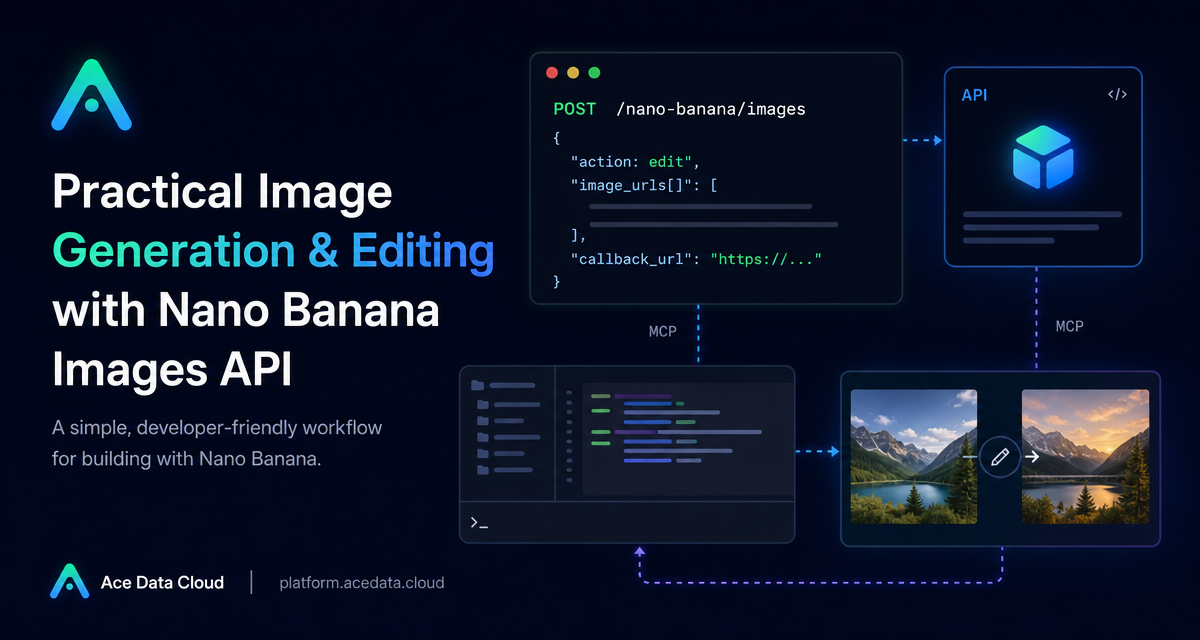
The Nano Banana Images API is useful when you want one endpoint that can either create an image from text or edit one or more existing images. In this guide, we will build around the documented POST /nano-banana/images endpoint, keep the request shape small, and design the integration so it can work in both synchronous and callback-based flows.
What you can do
The API supports two actions through the same endpoint:
generate: create images from a textprompt.edit: edit or combine provided images fromimage_urlsusing a textprompt.
That means a builder can keep one integration path for several product features: prompt-to-image creation, product mockup editing, combining reference images, or taking an existing asset and transforming it into a more polished visual.
The documented base URL is https://api.acedata.cloud, and the endpoint is POST /nano-banana/images. Requests use JSON and authenticate with an authorization: Bearer {token} header.
How it works
The request body is centered around action and prompt. For image generation, those are the minimum required parameters. For editing, you also pass image_urls, an array containing at least one publicly accessible image URL. The service returns a JSON result with fields such as success, task_id, trace_id, and data. Each item in data includes the echoed prompt and an image_url.
The optional model parameter lets you choose among documented variants including nano-banana, nano-banana-2-lite, nano-banana-2, nano-banana-pro, and their corresponding :official channel versions. If you do not set a model, the default is nano-banana.
The optional count parameter requests 1 to 4 images and defaults to 1. The documentation notes an important production detail: each image is generated by an independent call. A technical failure or provider security refusal can affect one image without necessarily preventing other successful images from returning.
Start with the smallest generate request
For a first integration test, keep the payload minimal. This makes it easier to confirm authentication, headers, and JSON formatting before you add more product logic.
curl -X POST 'https://api.acedata.cloud/nano-banana/images'   -H 'authorization: Bearer {token}'   -H 'accept: application/json'   -H 'content-type: application/json'   -d '{
    "action": "generate",
    "model": "nano-banana-pro",
    "prompt": "A clean developer desk with a terminal window, API response cards, and soft navy lighting.",
    "count": 1
  }'
A successful response follows this shape:
{
  "success": true,
  "task_id": "70e6931b-6e34-43db-9e36-8765e2809d04",
  "trace_id": "60df8d38-f265-4986-aec7-75c9220bced2",
  "data": [
    {
      "prompt": "A clean developer desk with a terminal window, API response cards, and soft navy lighting.",
      "image_url": "https://platform2.cdn.acedata.cloud/nanobanana/example.png"
    }
  ]
}
In application code, store both task_id and trace_id. task_id helps you associate a request with its result, while trace_id is useful when debugging or asking support to investigate a specific request.
Edit one or more existing images
Editing is where the endpoint becomes especially practical. You can pass one or more image URLs through image_urls and describe the target edit in prompt. The documentation says these inputs can be publicly accessible HTTP or HTTPS URLs, or Base64 encoded images such as a data:image/png;base64,... payload. HTTPS direct links are recommended.
import requests

url = "https://api.acedata.cloud/nano-banana/images"
headers = {
    "authorization": "Bearer {token}",
    "accept": "application/json",
    "content-type": "application/json",
}
payload = {
    "action": "edit",
    "prompt": "Place the product into a clean studio scene while preserving its shape and label.",
    "image_urls": [
        "https://cdn.acedata.cloud/v8073y.png",
        "https://cdn.acedata.cloud/44xlah.png"
    ],
    "count": 1
}

resp = requests.post(url, json=payload, headers=headers)
print(resp.json())
In a real product, I would validate each source image before sending the request: check that the URL is reachable, that it points to an image, and that the file is not behind a private session. Most confusing image-editing bugs come from inaccessible input assets, not from the prompt itself.
Use callbacks when users should not wait
Generation and editing may take time, so the API supports an optional callback_url. When you include it, your server should expose a publicly accessible endpoint that accepts POST JSON. The initial API call can return a task_id, and the completed result is later sent to your callback URL with the same response structure as a successful synchronous call.
A simple production pattern is:
- Create a database row with
task_id, user ID, prompt, and status. - Return immediately to the frontend with a pending state.
- When the callback arrives, match by
task_id, storedata[].image_url, and mark the job complete. - If the callback reports an error, keep
trace_idwith the failed job.
Handle errors deliberately
The documented error shape is predictable:
{
  "success": false,
  "error": {
    "code": "api_error",
    "message": "Internal server error."
  },
  "trace_id": "2cf86e86-22a4-46e1-ac2f-032c0f2a4e89"
}
Some useful cases to treat differently are 401 invalid_token for missing or failed authentication, 429 too_many_requests for rate limiting, 403 forbidden when the provider's native security policy denies the request or result, and 400 token_mismatched when the request is invalid or parameters are incorrect.
For count greater than 1, design your UI around partial success. The documentation states that data contains successfully generated images and billing follows the actual number returned. That is a good reason to show successful images even if another requested image failed.
Putting it together
The main design choice is whether the user experience should be blocking or asynchronous. For internal tools and quick tests, synchronous calls are easy to start with. For customer-facing editors, a callback_url-based workflow is usually cleaner because it avoids holding a request open while an image is being generated or edited.
Start small: call POST /nano-banana/images with action, prompt, and count: 1. Then add image_urls for editing, store task_id and trace_id, and move long-running jobs to callbacks when the UI needs to stay responsive.
For the complete field list and examples, read the Nano Banana Images API documentation.


Comments
Post a Comment