How to Run Hermes Agent with Ace Data Cloud’s OpenAI-Compatible Endpoint
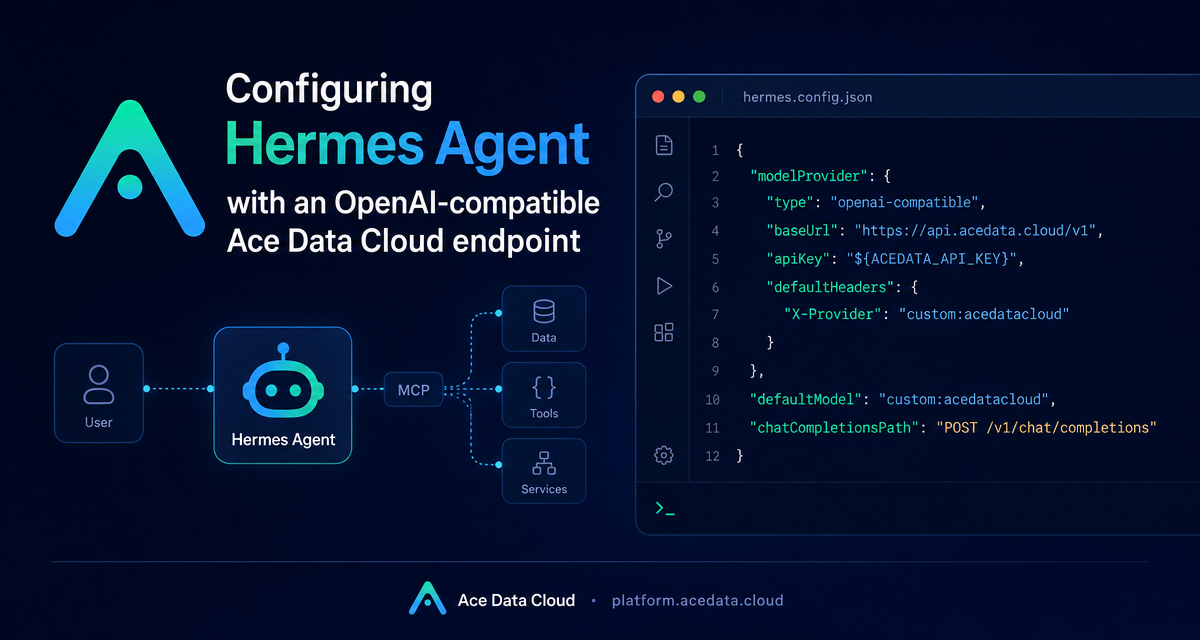
Hermes Agent can use the Ace Data Cloud OpenAI-compatible endpoint at https://api.acedata.cloud/v1 through POST /v1/chat/completions.
What you can do
- Install Hermes with the official installer.
- Configure
custom:acedatacloud. - Set
ACEDATA_API_KEY,transport: chat_completions, andcontext_length: 1000000.
How it works
Use hermes model, choose Custom endpoint (self-hosted / VLLM / etc.), set the API base URL to https://api.acedata.cloud/v1, and choose a model such as claude-opus-5.
Install and verify
curl -fsSL https://hermes-agent.nousresearch.com/install.sh | bash
hermes --version
hermes chat -Q --max-turns 1 -q "Reply with EXACTLY this string and nothing else: HERMES_OK"
Direct endpoint check
curl -sS -H "Authorization: Bearer YOUR_API_TOKEN" -H "Content-Type: application/json" -X POST https://api.acedata.cloud/v1/chat/completions -d '{"model":"claude-opus-5","messages":[{"role":"user","content":"reply HERMES_OK"}],"max_tokens":20}'Switch models
/model custom:acedatacloud:gpt-5
/model custom:acedatacloud:gemini-2.5-pro
/model custom:acedatacloud:deepseek-v3.2-exp
For complete setup details, read Using Ace Data Cloud with Hermes Agent.


Comments
Post a Comment