How to Generate AI Songs with the Suno Audios API
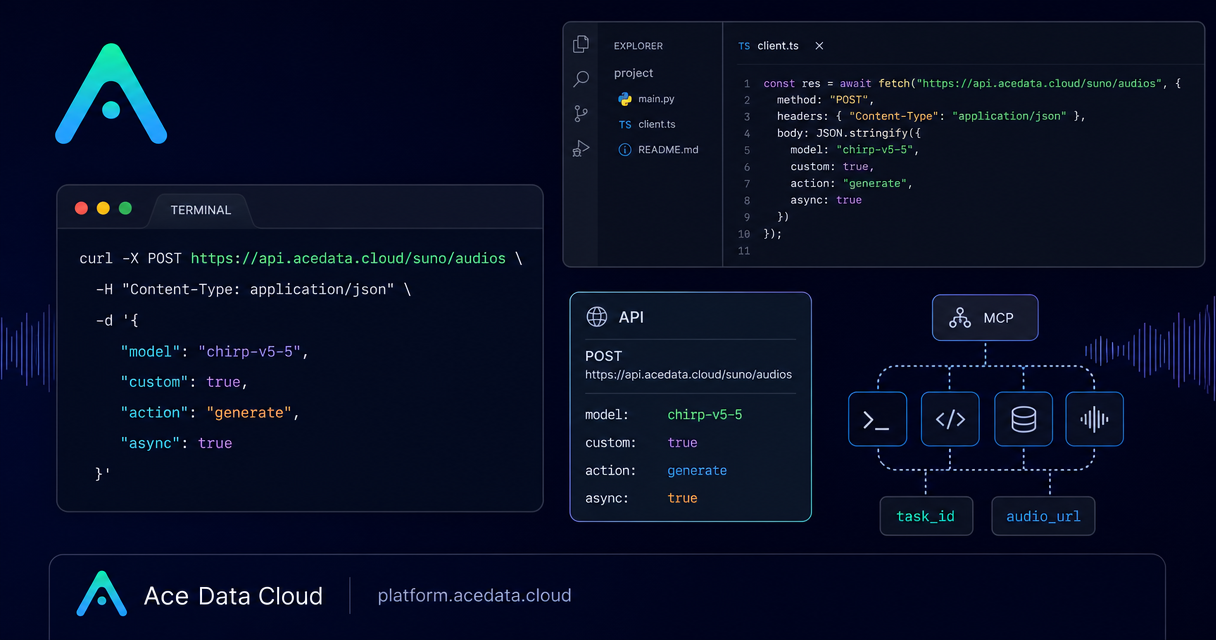
If your product needs original music, demo tracks, jingles, or lyric-driven audio, the hard part is not only generation quality. It is turning a creative prompt into a predictable API workflow that your app can call, monitor, and store.
This guide walks through a practical Suno Audios API flow on Ace Data Cloud: generating a song from a prompt, moving into custom lyric mode, understanding the important request fields, and reading the returned audio metadata without assuming anything beyond the public documentation.
What you can do
The Suno Audios API centers on POST https://api.acedata.cloud/suno/audios. The documented default action is generate, while the request body also supports workflow actions such as extend, upload_extend, cover, upload_cover, replace_section, concat, stems, all_stems, and remaster.
For a first integration, I would keep the scope small: submit a prompt, receive two generated song candidates, persist the returned IDs and media URLs, and only then add more advanced flows like continuation or persona-based consistency.
- Use inspiration mode with
custom: falseand a shortprompt. - Use custom mode with
custom: true,lyric,title, andstyle. - Choose a documented Suno model such as
chirp-v5-5,chirp-v5,chirp-v4-5,chirp-v4, orchirp-v3-5. - Send
async: truewhen you want the API to return atask_idimmediately instead of waiting for the full generation response.
How it works
The API call uses standard JSON over HTTP. You send accept: application/json, an authorization: Bearer {token} header, and content-type: application/json. The key distinction is the generation mode.
In inspiration mode, custom is false. The prompt is the main creative input and has a documented maximum length of 500 characters. This is the right starting point for product prototypes, internal tools, and quick experiments where the user describes the song in one sentence.
In custom mode, custom is true. The lyric and style fields become the primary controls. For chirp-v3-5 and chirp-v4, the documented lyric limit is 3000 characters and the style limit is 200 characters. For chirp-v4-5 and above, including chirp-v5 and chirp-v5-5, the documented lyric limit is 5000 characters and the style limit is 1000 characters.
Start with a minimal prompt request
The smallest useful request is a generation action with a prompt and model. This is enough to validate authentication, latency, response shape, and media storage in your own application.
curl -X POST 'https://api.acedata.cloud/suno/audios' \
  -H 'accept: application/json' \
  -H 'authorization: Bearer {token}' \
  -H 'content-type: application/json' \
  -d '{
    "action": "generate",
    "prompt": "A warm acoustic song about shipping a side project",
    "model": "chirp-v5-5",
    "custom": false
  }'
A successful documented response includes success, task_id, trace_id, and a data list. Each generated song item can include fields such as id, title, image_url, lyric, audio_url, video_url, created_at, model, state, prompt, style, and duration.
Move to custom lyrics when you need control
Prompt-only generation is convenient, but custom lyrics are better when your app needs structure: a podcast intro, a product onboarding song, a language-learning chorus, or a repeatable branded audio format. In custom mode, write lyrics with explicit section markers and newline escapes.
{
  "action": "generate",
  "model": "chirp-v5-5",
  "custom": true,
  "title": "Deploy on Friday",
  "style": "indie pop, warm acoustic guitar, soft male vocals",
  "lyric": "[Verse]\\nWe pushed the branch before the rain\\nGreen checks lighting up the pane\\n[Chorus]\\nShip it slow and make it clear\\nBuild the thing that brings them near"
}
The title field also has model-dependent limits in the documentation: 80 characters for chirp-v3-5 and chirp-v4, and 100 characters for chirp-v4-5 and above.
Plan for status and persistence
Treat generation as a job, not a button click. The documented song status values include succeeded, pending, running, and error. Store the task_id and trace_id for debugging, then store each returned song id with its audio_url, image_url, duration, and state.
If your frontend should not wait for the full result, send async as true. The documentation says the interface can immediately return task_id; your application can then use the corresponding task query flow to obtain results. Alternatively, provide callback_url when your backend is ready to receive callbacks.
Advanced controls worth adding later
Once the basic flow is stable, add optional controls only when the product experience needs them. instrumental is available for pure music in inspiration mode. In custom mode, negative_tags can exclude styles or genres. style_influence and weirdness are documented advanced parameters from 0 to 1. duration is an integer from 10 to 360 seconds in custom mode, but the documentation describes it as a tendency prompt rather than a strict constraint; the actual result length should be read from the response duration field.
The main builder takeaway: keep the first implementation boring. Submit a clear payload, log the identifiers, handle status values explicitly, and design your UI around returned media fields rather than assumptions. From there, the same endpoint can support richer music workflows without changing the foundation.
Read the full source documentation here: Suno Audios Generation API Integration Guide.


Comments
Post a Comment