How to Configure Continue for VS Code with an OpenAI-Compatible API
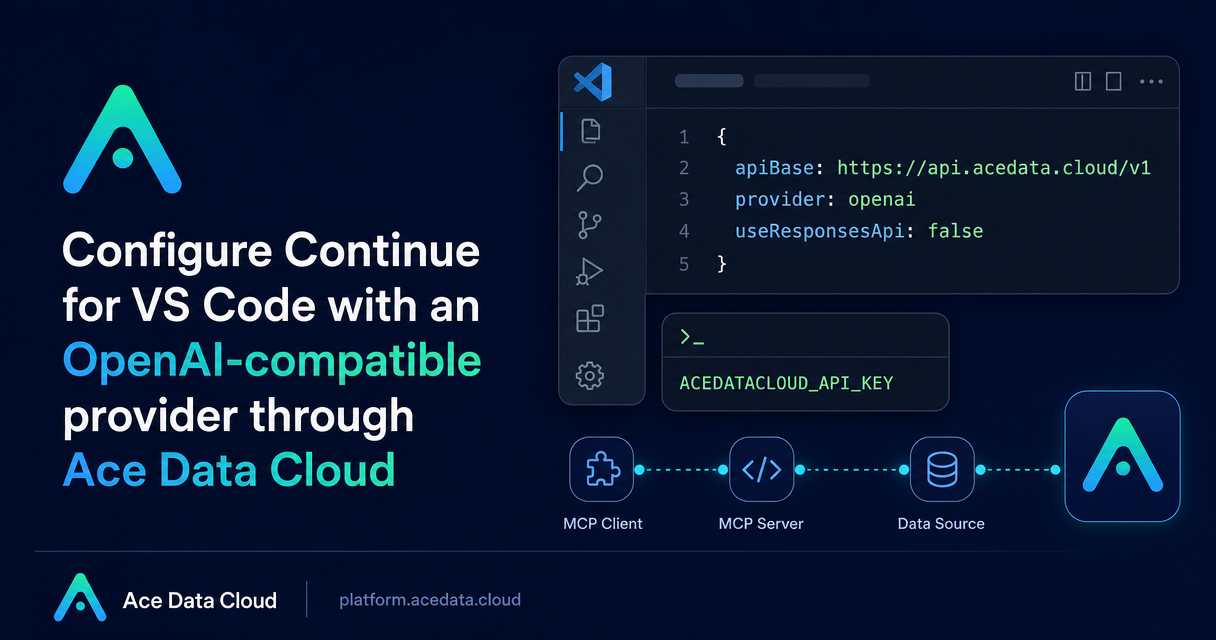
If you use Continue in VS Code and want your assistant requests to go through an OpenAI-compatible endpoint, the important part is not only the base URL. You also need to make sure Continue sends the request through Chat Completions instead of the Responses API.
This guide walks through a practical setup for using Ace Data Cloud as the OpenAI-compatible provider behind Continue for VS Code. The goal is intentionally narrow: configure one model entry, keep the token out of project files, verify that the request path is correct, and avoid the common mistake of sending traffic to the wrong API shape.
What you can do
With the documented Continue configuration, you can add a local model profile in VS Code that uses provider: openai, apiBase: https://api.acedata.cloud/v1, an apiKey reference to ACEDATACLOUD_API_KEY, and useResponsesApi: false.
provider: openaitells Continue to use the OpenAI-compatible provider path.apiBase: https://api.acedata.cloud/v1points Continue at the Ace Data Cloud API base.apiKeyshould reference the storedACEDATACLOUD_API_KEYvalue instead of a hard-coded token.useResponsesApi: falsekeeps the model entry on Chat Completions.
The last flag is the detail that prevents confusion. If Continue sends a request to /responses, the first thing to check is whether useResponsesApi: false is placed inside the selected model entry.
How it works
Continue uses a local YAML configuration for model definitions. In this setup, the model entry is not a separate SDK or CLI command. It is a normal Continue provider configuration that points to Ace Data Cloud's OpenAI-compatible API base.
The configuration has two concerns: routing and secret handling. Routing comes from provider, model, apiBase, and useResponsesApi. Secret handling comes from storing ACEDATACLOUD_API_KEY in Continue's secret management and referencing it from the model entry.
The guide also notes that Continue's JSON configuration is deprecated and that the current configuration should use YAML. If you are migrating an older setup, move this model definition into the YAML format rather than patching an old JSON file.
Add the model entry
In Continue's local YAML configuration, add a model entry like this:
models:
  - name: MODEL_ID
    provider: openai
    model: MODEL_ID
    apiBase: https://api.acedata.cloud/v1
    apiKey: ACEDATACLOUD_API_KEY
    useResponsesApi: false
Replace MODEL_ID with the model identifier you intend to use in your Continue setup. Keep the same value in both name and model if you want the displayed local name to match the provider model string.
The indentation matters because useResponsesApi: false must belong to the same model object. If it is placed at the wrong level, Continue may not apply it to the model you select from the sidebar.
Keep the key out of source control
Do not paste a real token into project configuration. The documented pattern is to save ACEDATACLOUD_API_KEY in Continue's secret management and reference that value from the YAML. This lets the YAML describe the connection while the local secret store supplies the sensitive value at runtime.
Verify the setup in VS Code
After saving the configuration and token reference, reload VS Code. Open the Continue sidebar, choose the model from Local Config, and send a minimal test prompt:
Reply only OKA short prompt is useful because you are testing routing first, not model quality. If that works, run one read-only file task next. A read-only task gives you a realistic Continue workflow while keeping the first verification step low-risk.
If the request goes to /responses instead of Chat Completions, inspect the YAML again and make sure useResponsesApi: false is inside the selected model entry. Also confirm that the model you picked in the sidebar is the one under Local Config.
A small troubleshooting checklist
- The model does not appear: reload VS Code and check that the YAML starts with
models:and contains a list item under it. - The request path is wrong: verify
useResponsesApi: falseis placed in the model entry. - The key is not found: confirm that
ACEDATACLOUD_API_KEYexists in Continue secret management and that the YAML references it correctly. - You are editing an old config: move the setup to YAML because the guide notes that Continue's JSON configuration has been deprecated.
That is the whole setup: one YAML model entry, one stored key, one reload, and two quick checks. For the original reference, see the Continue for VS Code custom model guide.


Comments
Post a Comment