How to Build an Image Generation Workflow with the SeeDream Images API
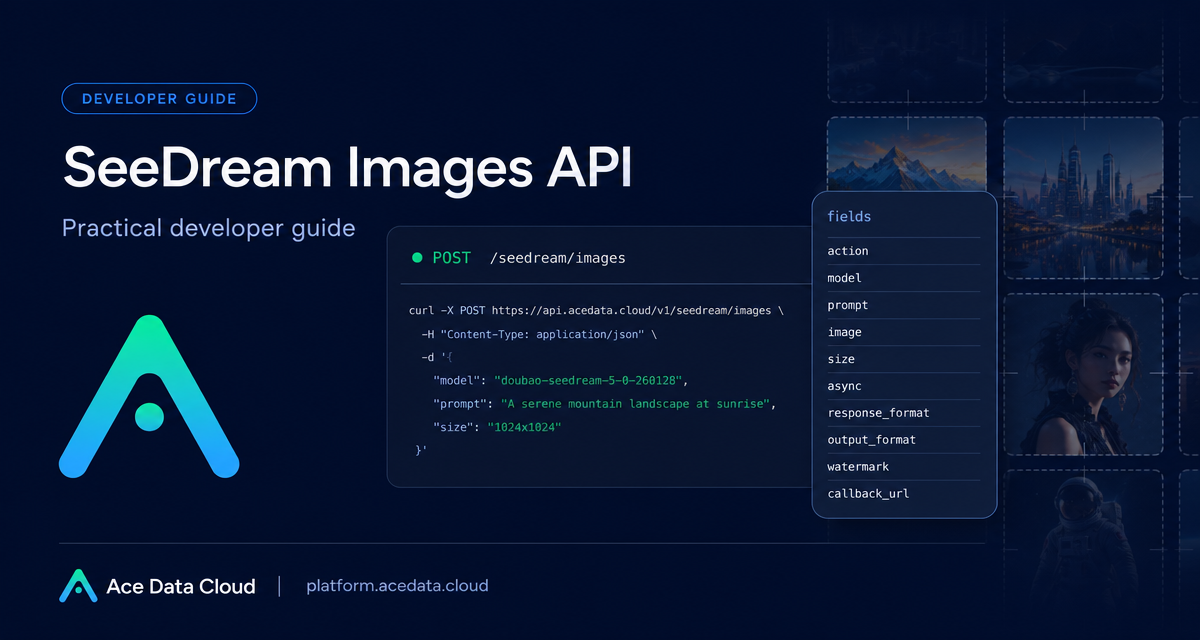
When you add image generation to a product, the hard part is rarely the first prompt—it is turning prompts, image inputs, formats, async jobs, and failures into a workflow your application can trust.
What you can do
The SeeDream Images API on Ace Data Cloud is built around a single image endpoint, POST https://api.acedata.cloud/seedream/images. With it, you can generate images from text prompts, edit existing images by passing an image URL or Base64 input, choose a model string explicitly, control output size and format, and decide whether to wait for the result synchronously or handle it as an async task.
The useful mental model is simple: send a JSON request that describes the image operation, then read a response containing success, task_id, trace_id, and a data array. Each item in data can include the resolved prompt, generated size, and image_url.
How it works
The basic request needs an authorization header and a JSON body. The docs show two required headers for normal usage: accept: application/json and authorization: Bearer YOUR_API_TOKEN. In practice you will also send content-type: application/json for POST bodies.
For generation, pass action as generate, choose a complete model string, and provide a prompt. The default model in the documentation is doubao-seedream-5-0-260128. One important implementation detail: the model value must be the complete model string. Abbreviations such as doubao-seedream-5.0-lite can return a 400 error.
Choosing the right request fields
The API exposes enough fields to support both quick prototypes and production flows:
prompt: the instruction for the image.model: a full model ID such asdoubao-seedream-5-0-260128.image: an input image URL or Base64 value for image editing. Some models support multiple images;doubao-seededit-3-0-i2i-250628supports only a single image input, anddoubao-seedream-3-0-t2i-250415does not support this parameter.size: either a supported resolution label such as1K,2K,3K, or4Kdepending on the model, or a pixel value such as2048x2048. The two methods should not be mixed.response_format:urlby default, withb64_jsonalso supported.watermark: whether to add a watermark; the default istrue.callback_urlandasync: options for handling longer-running requests.
A few fields are model-specific. For example, seed is only supported by doubao-seedream-3-0-t2i-250415. guidance_scale is supported by doubao-seedream-3-0-t2i-250415 and doubao-seededit-3-0-i2i-250628. output_format, which supports jpeg and png, is supported by doubao-seedream-5-0-pro-260628 and doubao-seedream-5-0-260128.
A minimal text-to-image call
Here is the smallest useful version of the documented generation flow. Keep the token in your backend configuration, not in frontend code.
curl -X POST 'https://api.acedata.cloud/seedream/images' \
  -H 'accept: application/json' \
  -H 'authorization: Bearer YOUR_API_TOKEN' \
  -H 'content-type: application/json' \
  -d '{
    "action": "generate",
    "model": "doubao-seedream-5-0-260128",
    "prompt": "A photorealistic studio product shot of a frosted-glass perfume bottle on wet black slate, single softbox key light, water droplets, dark moody background, 85mm macro."
  }'
A successful response follows this shape:
{
  "success": true,
  "task_id": "81246f86-05ff-4d7d-9553-1013e0c1cd32",
  "trace_id": "ab50a78d-ab1f-457f-a46b-c2259cd5d35b",
  "data": [
    {
      "prompt": "A photorealistic studio product shot of a frosted-glass perfume bottle on wet black slate, single softbox key light, water droplets, dark moody background, 85mm macro.",
      "size": "2048x2048",
      "image_url": "https://platform2.cdn.acedata.cloud/seedream/901c6af6-e83a-4849-b233-295f6c20bacb.jpg"
    }
  ]
}
For a product workflow, store both task_id and trace_id. The image_url is the generated artifact your application can display, download, or pass into a later edit step.
Editing an existing image
For image editing, include the image field and a prompt that describes the transformation. The documentation notes that doubao-seedream-5-0-260128, doubao-seedream-4-5-251128, and doubao-seedream-4-0-250828 support single or multiple image inputs, while doubao-seededit-3-0-i2i-250628 supports only one. That matters when designing UI: a product-shot editor might allow multiple references, while a simple retouch tool should validate one input before sending the request.
{
  "model": "doubao-seedream-4-0-250828",
  "prompt": "Keep the model pose and the liquid garment flowing shape unchanged. Change the clothing material from silver metal to completely transparent water (or glass). Through the liquid flow, the details of the model skin are visible. The light and shadow effect shifts from reflection to refraction.",
  "image": ["https://ark-project.tos-cn-beijing.volces.com/doc_image/seedream4_5_imageToimage.png"],
  "size": "2K",
  "watermark": false
}
Handling async jobs cleanly
The docs describe image generation as taking about 1–2 minutes. If you do not want to keep an HTTP connection open, you have two supported patterns. First, pass a callback_url; the API can POST the final JSON result back to your service with the same task_id. Second, use async with true without a callback; the API returns a task_id, and your backend polls /seedream/tasks with that task ID until the result is ready.
In either pattern, treat task_id as your join key. Save the original prompt, selected model, requested size, user ID, and task ID in your database before returning control to the user. When the callback or polling result arrives, update the record with image_url and the final status.
Errors worth planning for
The documented error codes are straightforward but useful for product behavior: 400 token_mismatched and 400 api_not_implemented indicate bad or unsupported input, 401 invalid_token means the authorization token is missing or invalid, 429 too_many_requests means you have hit a rate limit, and 500 api_error indicates a server-side failure. Return the trace_id in internal logs so support and engineering can connect a user-facing issue to the API call.
If you are building a real image workflow, start narrow: one model, one size, URL responses, and async handling. Once the lifecycle is reliable, add editing, Base64 inputs, model-specific options, and stricter validation. The full reference is available in the SeeDream Images Generation API documentation.


Comments
Post a Comment