How to Build a Reliable Image Generation Workflow with the Seedream Images API
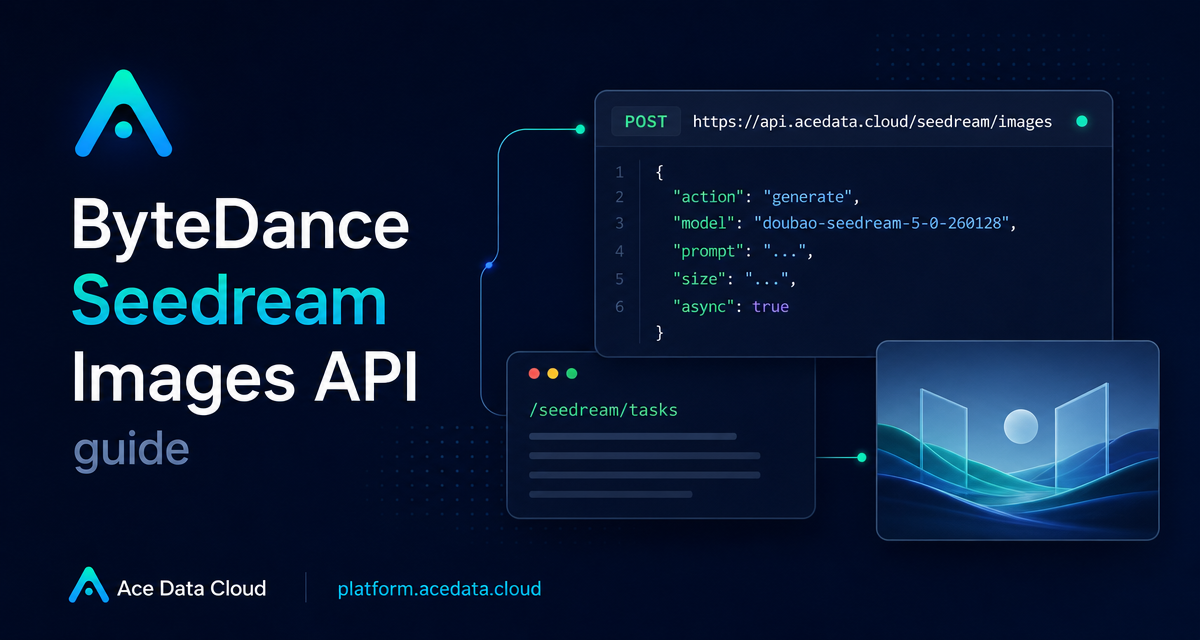
Image generation is easy to demo, but harder to put into a real product: you need predictable request shapes, model-specific options, a way to handle long-running jobs, and enough response metadata to debug failures.
This guide walks through a practical Seedream Images API workflow on Ace Data Cloud: generating a product-style image, choosing the right model and size parameters, handling asynchronous jobs, and reading the final image_url safely from the response.
What you can do
The Seedream Images API is designed for image generation and image editing through a single HTTP API. In the basic generation flow, you send a POST request to https://api.acedata.cloud/seedream/images with a prompt and generation parameters. The response returns task metadata and a list of generated images.
- Generate images from a text
promptwithactionset togenerate. - Select a complete
modelstring such asdoubao-seedream-5-0-260128. - Control output size with presets such as
2K,3K, or4Kwhere supported, or explicit dimensions such as2048x2048. - Return either image URLs with
response_format: "url"or base64 data withresponse_format: "b64_json". - Use
callback_urlorasync: truefor jobs that should not hold an HTTP connection open.
How it works
At minimum, a generation request needs request headers and a JSON body. The headers are conventional: accept: application/json, content-type: application/json, and authorization: Bearer <token>. The body carries the creative instruction and model options.
The most important detail is that the model field must use the complete model identifier. For example, doubao-seedream-5-0-260128 is valid, while an abbreviated name such as doubao-seedream-5.0-lite is documented as a bad request case. This is the kind of validation that matters when you move from a playground to production code.
Start with a small generation request
Here is a compact curl request for a product-style image. It uses the documented endpoint, headers, action, model, and prompt fields.
curl -X POST 'https://api.acedata.cloud/seedream/images'   -H 'accept: application/json'   -H "authorization: Bearer $ACEDATA_TOKEN"   -H 'content-type: application/json'   -d '{
    "action": "generate",
    "model": "doubao-seedream-5-0-260128",
    "prompt": "A photorealistic studio product shot of a frosted-glass perfume bottle on wet black slate, single softbox key light, water droplets, dark moody background, 85mm macro."
  }'
A successful response includes success, task_id, trace_id, and a data array. Each item in data can include the original prompt, the generated size, and the final image_url.
{
  "success": true,
  "task_id": "81246f86-05ff-4d7d-9553-1013e0c1cd32",
  "trace_id": "ab50a78d-ab1f-457f-a46b-c2259cd5d35b",
  "data": [
    {
      "prompt": "A photorealistic studio product shot of a frosted-glass perfume bottle on wet black slate, single softbox key light, water droplets, dark moody background, 85mm macro.",
      "size": "2048x2048",
      "image_url": "https://platform2.cdn.acedata.cloud/seedream/example.jpg"
    }
  ]
}
Choose model and size deliberately
Seedream exposes several model strings, including doubao-seedream-5-0-pro-260628, doubao-seedream-5-0-260128, doubao-seedream-4-5-251128, doubao-seedream-4-0-250828, doubao-seedream-3-0-t2i-250415, and doubao-seededit-3-0-i2i-250628. The capabilities are not identical, so do not treat the model name as a cosmetic setting.
For example, doubao-seedream-5-0-pro-260628 supports 1K and 2K presets, generates a single image, and does not support sequential_image_generation, stream, or online search through tools. The doubao-seedream-5-0-260128 model supports 2K, 3K, and 4K presets, and it is the documented model for tools with web_search.
If you need exact dimensions, pass a value such as 2048x2048. The documentation notes that model-specific pixel ranges differ, so validating size before sending the request is a good place to catch product bugs early.
Handle longer jobs without blocking
Image generation can take about 1–2 minutes. For a backend service, keeping the HTTP request open for that long is usually not ideal. The API supports two asynchronous patterns.
- Pass
callback_url. The API returns atask_idimmediately, then posts the completed result back to your URL as JSON. - Pass
async: truewithout a callback. The API returns atask_id, and your application polls/seedream/tasksto retrieve the final result.
{
  "action": "generate",
  "model": "doubao-seedream-5-0-260128",
  "prompt": "A clean app icon on a deep navy background, soft gradient, minimal geometry.",
  "size": "2K",
  "async": true
}
In production, store both task_id and trace_id. The first connects your request to a result; the second is useful when you need to investigate an error path.
Plan for errors explicitly
The API returns structured errors with success: false, an error object, and a trace_id. Documented cases include 400 token_mismatched, 400 api_not_implemented, 401 invalid_token, 429 too_many_requests, and 500 api_error.
{
  "success": false,
  "error": {
    "code": "api_error",
    "message": "fetch failed"
  },
  "trace_id": "2cf86e86-22a4-46e1-ac2f-032c0f2a4e89"
}
A builder-friendly integration should not just display “generation failed.” Surface the error code internally, log the trace_id, and decide whether the user should retry, fix input, or wait because of rate limits.
Where I would start
If I were adding this to a real product, I would begin with a single model, a constrained set of sizes, and asynchronous mode from day one. That keeps the user experience responsive while still giving your backend a clean task lifecycle: create, store task_id, poll or receive callback, then render data[0].image_url.
For the exact request fields, model-specific size rules, image editing notes, and error examples, read the Seedream Images API integration guide.


Comments
Post a Comment