A Practical Guide to Connecting Claude Code with MCP Tools
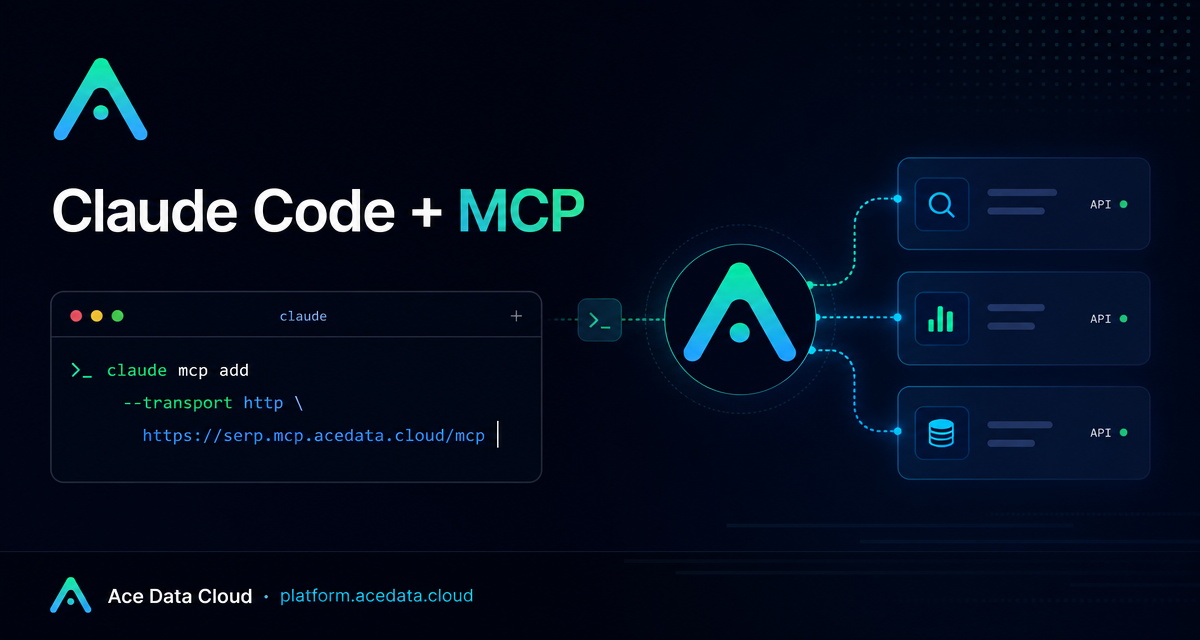
When I am deep in a terminal session, the most expensive context switch is not always technical—it is opening another tab, finding a tool, copying output back, and trying to continue where I left off. Claude Code already helps with coding, debugging, and refactoring; adding MCP lets that same terminal workflow call external tools without turning the session into a browser hunt.
What you can do
The AceData Cloud Claude Code MCP guide shows how to connect managed remote MCP servers to Claude Code over HTTP. The practical result is simple: while working inside a repo, you can ask Claude Code to call tools for tasks such as search, image generation, music generation, video generation, or link shortening, then use the returned results in the same coding or writing flow.
The source guide lists remote MCP URLs for services such as Suno, Midjourney, Flux, Seedream, NanoBanana, Luma, Veo, Seedance, Serp, and ShortURL. You do not need to wire every server at once. A more maintainable approach is to start with the two or three tools you actually use in your current project, then add more later with claude mcp add <name> ....
How it works
Claude Code can register an MCP server by name, transport type, remote URL, and request headers. In the AceData Cloud setup, the important pieces are:
--transport http, because these are managed remote MCP servers.- A service-specific MCP URL such as
https://serp.mcp.acedata.cloud/mcp. - An HTTP header in the form
Authorization: Bearer YOUR_TOKEN. - An optional scope flag such as
-s useror-s project.
One small but easy-to-miss detail from the guide: -H must be uppercase when passing headers. Lowercase -h is interpreted as help. Also, if you omit -s, Claude Code uses the default local scope, which applies only to the current directory.
Start with a small terminal setup
If your current workflow is technical writing or product documentation, I would start with search plus one asset-oriented server. For example, Serp can help research current references, and NanoBanana can support image editing or product-background workflows described by the guide. The commands follow the same shape:
# Search from Claude Code
claude mcp add serp --transport http https://serp.mcp.acedata.cloud/mcp \
  -H "Authorization: Bearer YOUR_TOKEN"

# Image workflows from Claude Code
claude mcp add nanobanana --transport http https://nanobanana.mcp.acedata.cloud/mcp \
  -H "Authorization: Bearer YOUR_TOKEN"

# Optional link shortening
claude mcp add shorturl --transport http https://shorturl.mcp.acedata.cloud/mcp \
  -H "Authorization: Bearer YOUR_TOKEN"

# Confirm the registered servers
claude mcp list
After that, keep the prompts concrete. Instead of saying “make content,” describe a sequence: search for a topic, summarize the useful findings, draft an outline, then generate or edit one supporting visual. Claude Code can call the registered tools in sequence and return links or results after each step.
Use project configuration when the workflow belongs to the repo
For one-off experiments, command-line registration is enough. For a team repo, the guide also shows a project-level .mcp.json. The configuration uses a top-level mcpServers object. Each server entry contains type, url, and headers.
{
  "mcpServers": {
    "serp": {
      "type": "http",
      "url": "https://serp.mcp.acedata.cloud/mcp",
      "headers": { "Authorization": "Bearer YOUR_TOKEN" }
    },
    "shorturl": {
      "type": "http",
      "url": "https://shorturl.mcp.acedata.cloud/mcp",
      "headers": { "Authorization": "Bearer YOUR_TOKEN" }
    }
  }
}
I would not commit a real token into a public repository. The guide recommends either adding .mcp.json to .gitignore and letting each teammate fill in their own token, or using environment-variable placeholders. That keeps the workflow shareable without turning the config file into a secret leak.
A practical builder workflow
Here is a workflow I would actually use when writing a technical post from inside a repo:
- Ask Claude Code to use Google Search through the registered search MCP server to collect current references for the topic.
- Ask it to turn the findings into a concise outline with implementation notes.
- Use an image-capable MCP server to create or edit a single supporting visual.
- Use
ShortURLonly for the few links that really need to be shared compactly.
The value is not that every task becomes magical. The value is that the glue work stays in the same terminal conversation where the code, notes, and project context already live.
Troubleshooting checklist
If a server does not respond, start with the boring checks before changing your workflow. Run claude mcp list to verify the server is registered and online. If a single server looks wrong, remove it and re-add it with the same claude mcp add pattern. If project and global configuration conflict, the guide notes that project-level .mcp.json takes precedence over the global Claude config. On macOS and Linux, the local Claude configuration is stored at ~/.claude.json; on Windows, it is under %USERPROFILE%\.claude.json.
For the full list of remote MCP URLs and the original Claude Code setup notes, read the AceData Cloud Claude Code MCP guide.


Comments
Post a Comment